listenkit
BetaAnalyze the listening history you built before you started scrobbling.
ListenKit turns exports from streaming services and music libraries into filterable analytics and reusable data.
Spotify imports are available now. More sources are planned.
Launch appAll-time listening
128,406
Plays
4,218
Artists
9
Years
Why ListenKit exists
Earlier listens are usually missing from your scrobble history.
The problem
If you joined Last.fm after years on Spotify or iTunes, those earlier listens are absent from your scrobble history even when the original service still has a record of them.
What ListenKit does
ListenKit processes available exports into analytics and cleaned CSV data using the date range and filtering rules you choose. Spotify is the first supported source.
Using ListenKit
From service export to listening report
- 01
Get your history
Request the complete listening export from a supported service.
- 02
Import and filter
Upload the archive, set a date range, and choose the cleaning rules.
- 03
Analyze or export
Explore your listening analytics or download the cleaned data as a CSV.
Get your data
Request your history before opening the app. Each supported source provides it differently.
Spotify
AvailableExtended Streaming History
Spotify
AvailableExtended Streaming History
- 1
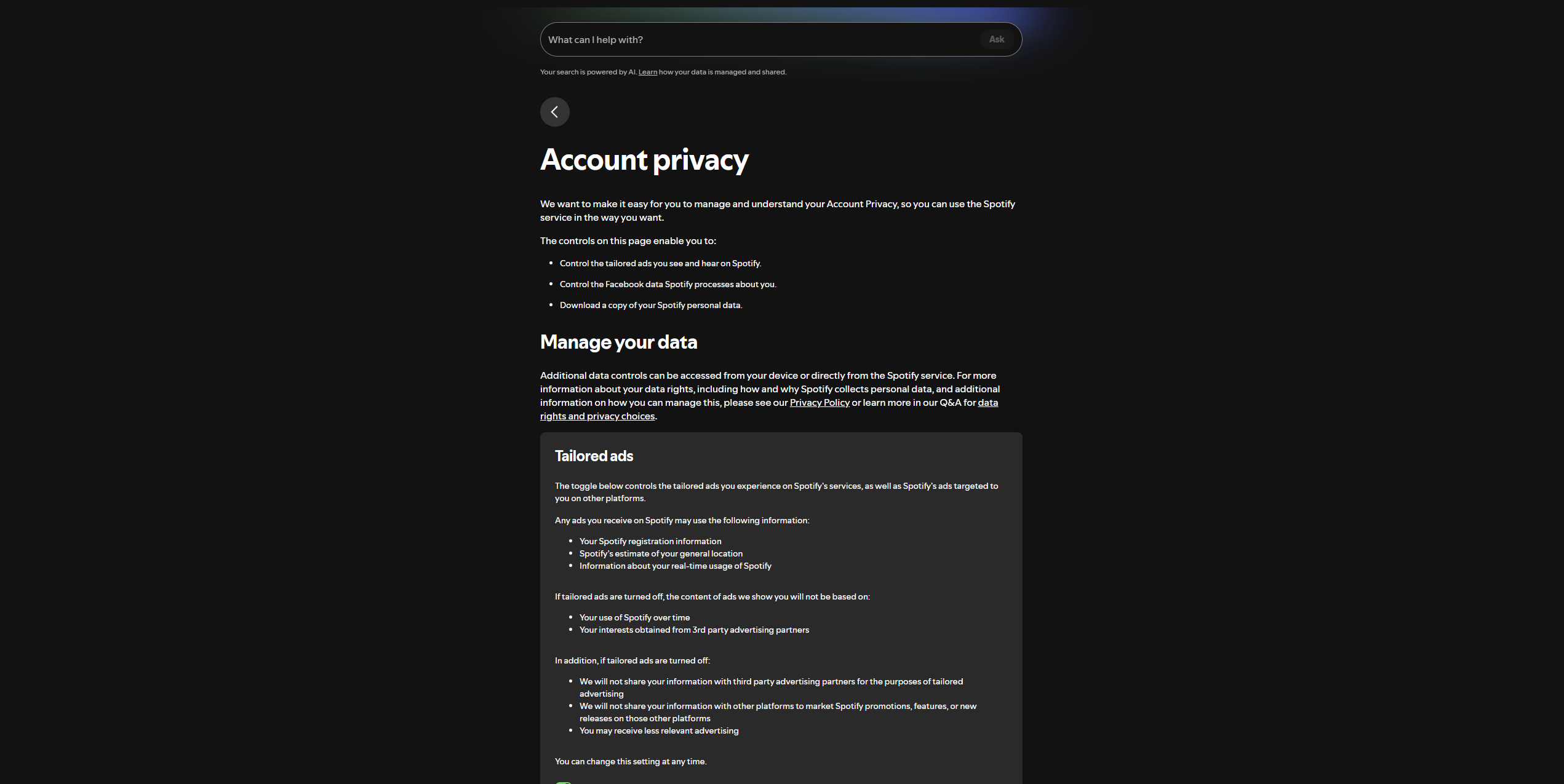
Sign in to Spotify and open the Account Privacy page.
- 2
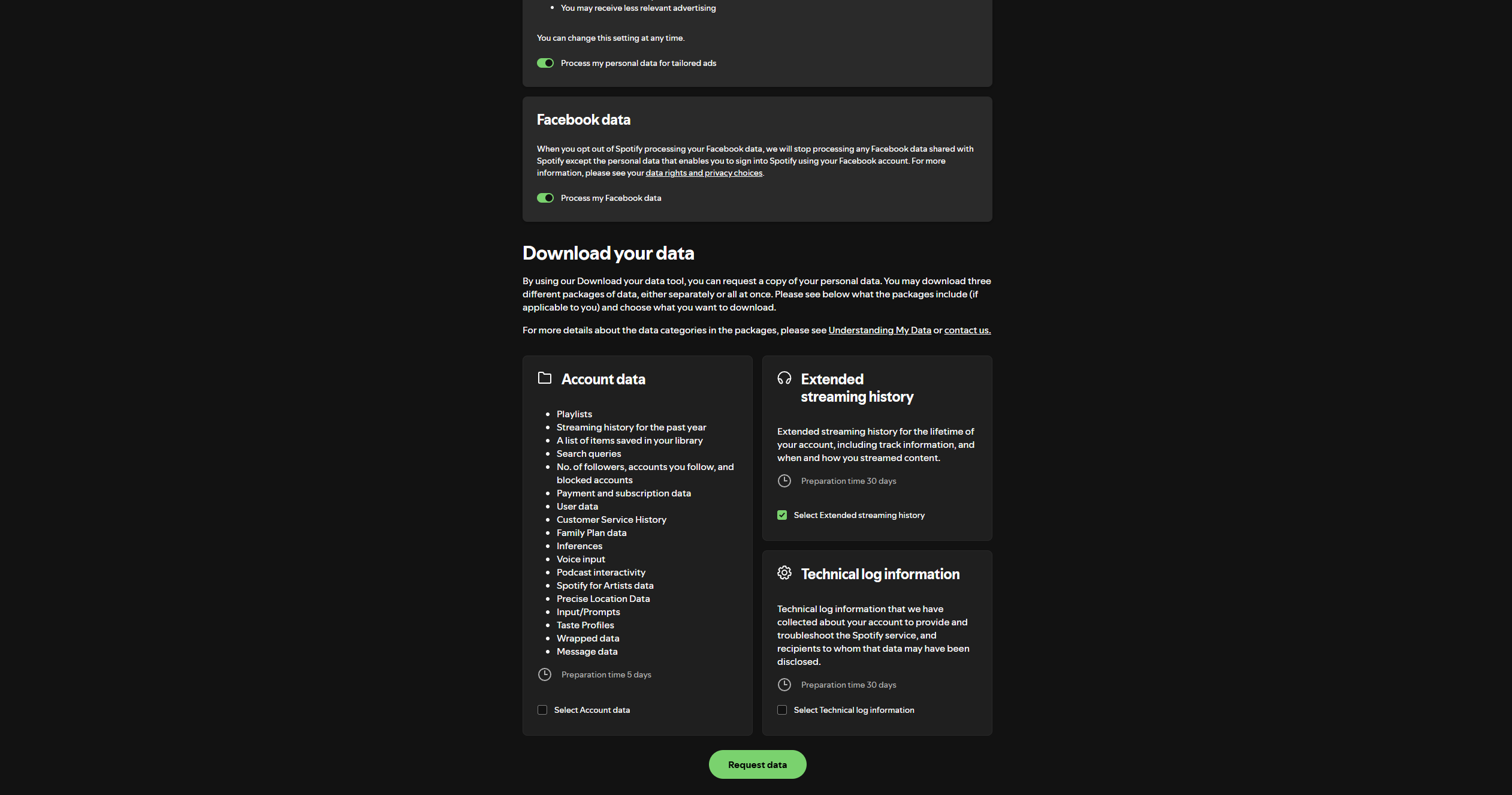
Select Extended Streaming History, then choose Request data. Account Data only includes the past year.
- 3
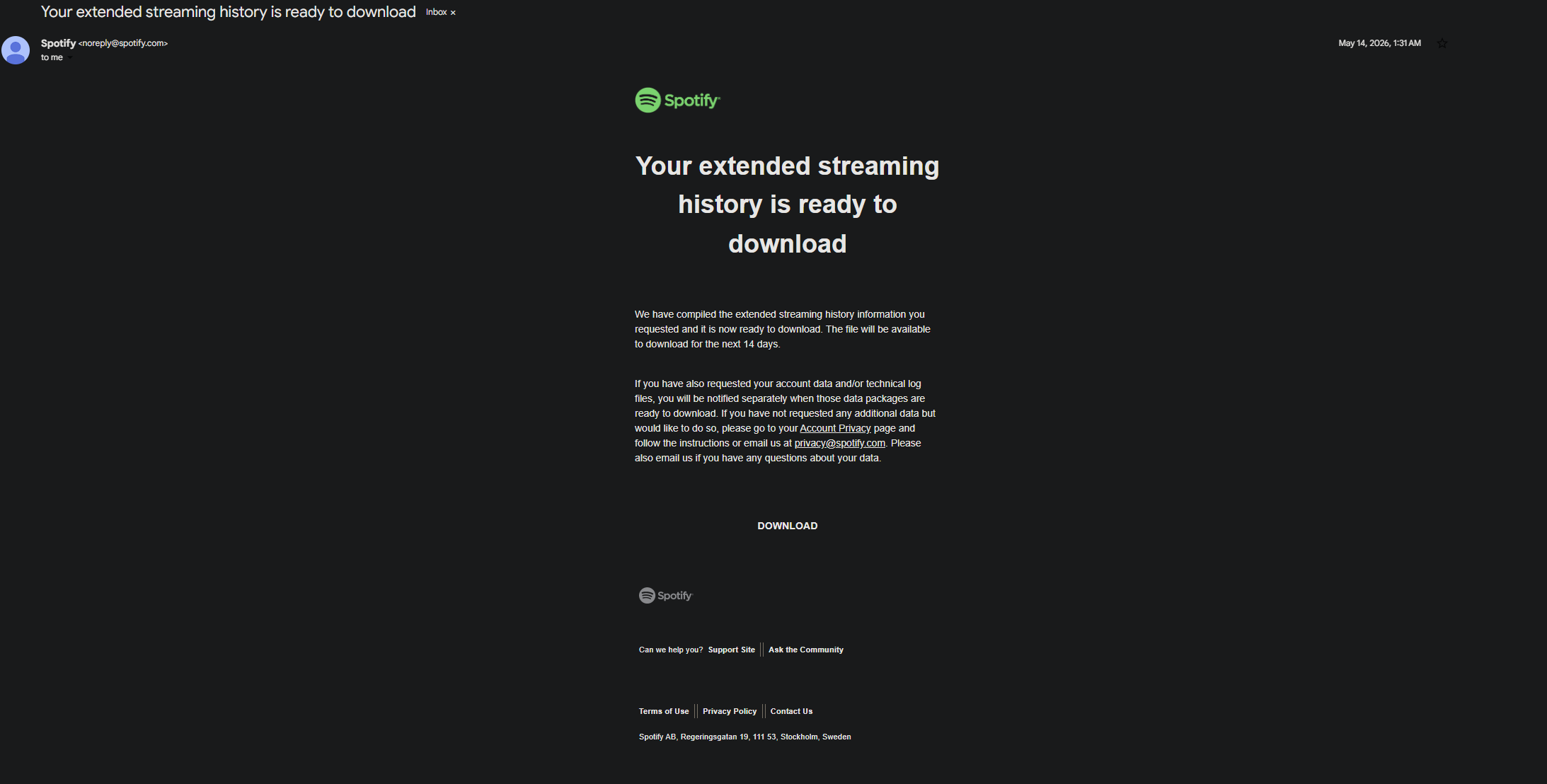
When Spotify emails you, download the archive within 14 days.
- 4
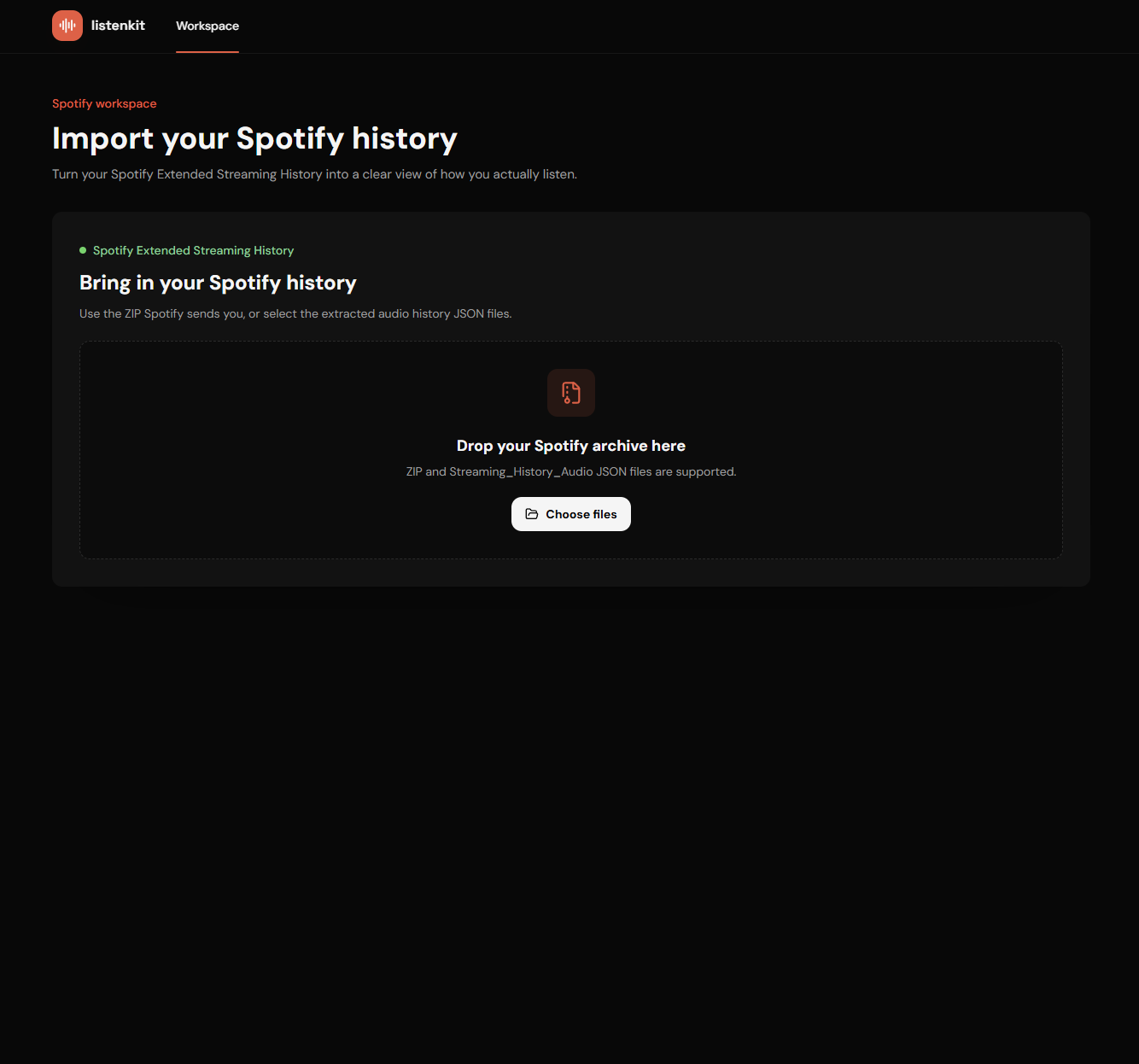
Upload the ZIP directly, or select the included Streaming_History_Audio JSON files.
Apple Music and iTunes
PlannedListening history and library exports
Apple Music and iTunes
PlannedListening history and library exports